
munu brings the question to youmacOS
Claude asks for permission? munu drops out of the notch with the question. Answer it right there.
A free terminal for Claude Code that brings the permission prompt to you, over any app.
brew install --cask munvard/How it works
Download it for macOS, Windows or Linux. On a Mac you can also use Homebrew.
Open a project and start Claude Code in DockTerm. There is nothing to set up.
When Claude needs permission, munu shows it on top of any app. You answer with one click.
munu reads Claude’s state from the terminal text. Nothing hooks into Claude Code and nothing edits ~/.claude.
The prompt shows on top of whatever you are doing, even a fullscreen movie on another desktop.
munu shows the prompt and waits. You press the button. If it misses a prompt, you lose a reminder, never a wrong action.
Meet munu
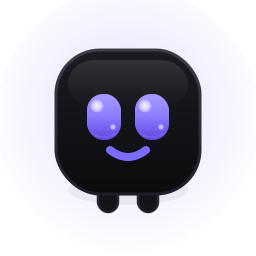 resting
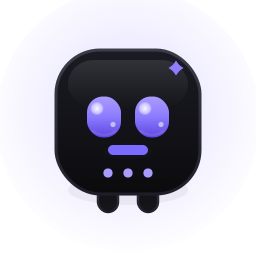 working
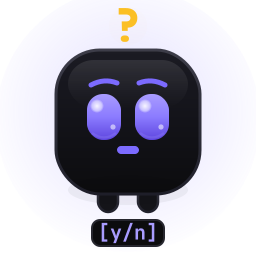 needs you
 done
done no project
What you get
Claude asks for permission? munu drops out of the notch with the question. Answer it right there.

Split the window into panes and give each one its own project. Moving a pane never restarts a shell.

Open the files Claude touched and read the diff line by line. The terminal keeps running.
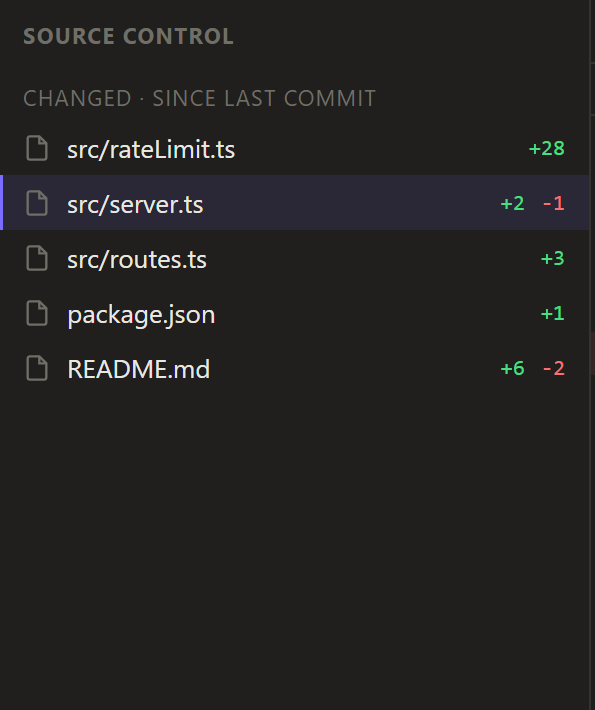
Pick the files, write a message, commit. Risky Git actions ask first.
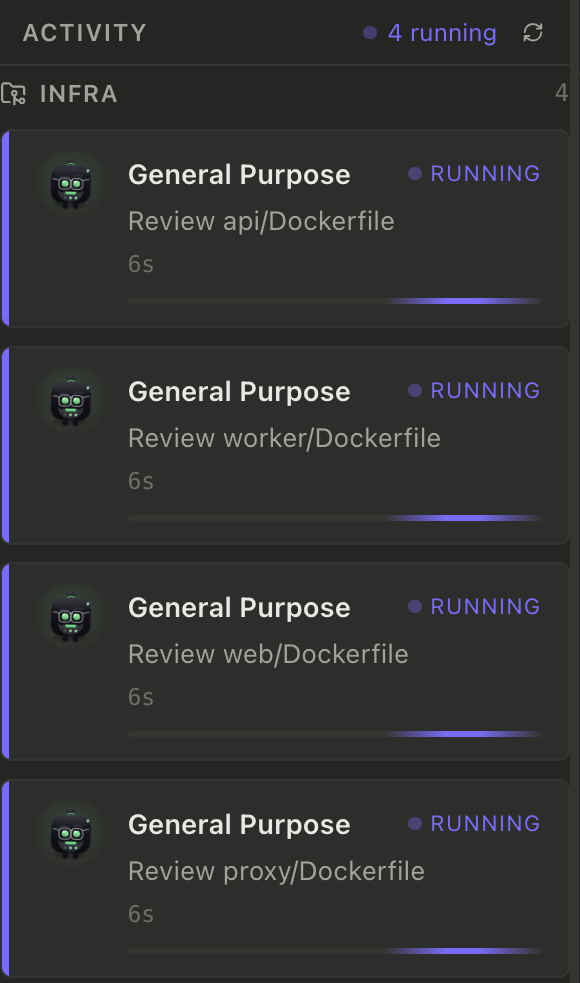
A side panel lists the subagents Claude starts and which ones are still running.
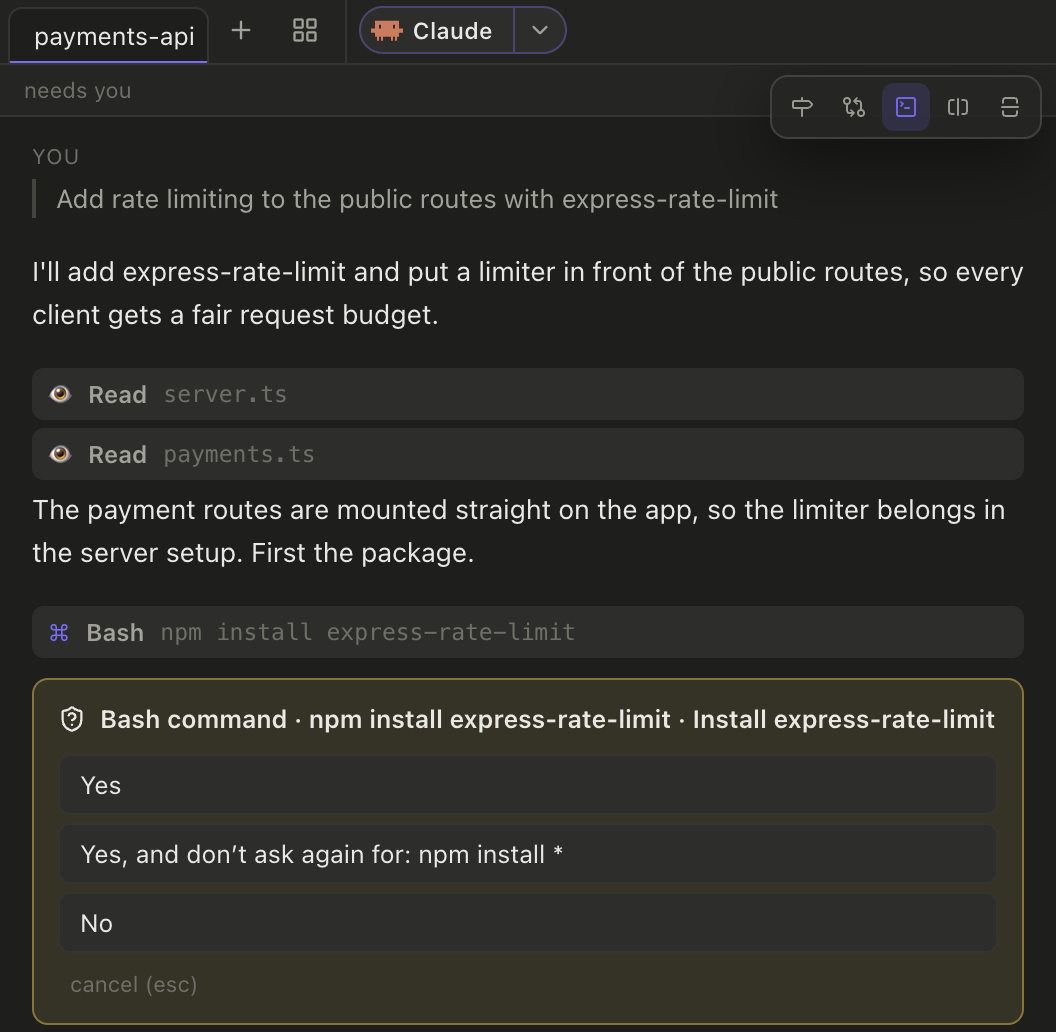
Switch a pane to a clean chat view. The real terminal keeps running underneath, and permission prompts become buttons.
Your own shell on a native PTY, with tabs, search and true color.
A file tree and editor that open when you need them and close when you do not.
Read-only views of your setup. Secrets are masked to key names and nothing is run.
Light and dark themes, or follow your system.
Privacy
DockTerm is a desktop app. Your code and your sessions stay on your computer.
There is nothing to sign up for and no token to store.
DockTerm does not collect or send data about how you use it.
DockTerm never calls an AI API. Claude Code is the AI, and it runs as you set it up.
The code is MIT licensed and public on GitHub (opens in a new tab), so you can read every line. Details are in the privacy policy.
Platforms
Apple Silicon and Intel. Signed and notarized. Install from the download page or with Homebrew.
munu sits in the notch at the top of the screen.
An installer from the download page. It is unsigned, so Windows may show an “unknown publisher” warning.
munu is a small pill at the top of the screen.
AppImage and .deb packages from the download page.
munu is a small pill at the top of the screen.
Every build is on the GitHub releases page. You also need Claude Code (opens in a new tab) installed.
Honest limits
Every pane is a real terminal running your own shell. See what DockTerm is not.
| Developer | Moon Labs |
|---|---|
| Platform | macOS, Windows, Linux |
| Price | Free, open source (MIT) |
| Category | Developer Tools |
| Page updated |
When Claude stops
munu, DockTerm's notch mascot, reads Claude's state from the terminal and shows the prompt the moment it appears, so you can answer in one click.
Yes. munu floats the prompt over whatever is on screen, including a fullscreen app on another desktop, so you never have to tab back to check.
No. munu shows the prompt and never answers in your place, so a missed detection costs you a reminder, never a wrong action.
No. munu reads Claude's state from terminal output. Nothing hooks into Claude Code and nothing edits ~/.claude, so there is nothing to set up.
Yes. DockTerm is MIT licensed and free, with signed macOS builds, a Windows installer and Linux packages on its GitHub releases page.
No. DockTerm runs locally with no accounts and no telemetry, and it never makes AI calls of its own. Claude Code is what talks to the model.
Get it
DockTerm is free and open source. If it saves you a trip back to the terminal, a star on GitHub helps other people find it.
brew install --cask munvard/Windows: the Windows installer is unsigned and may show an “unknown publisher” warning.